OK here we go again another server and another space issue.
Windows folder was taking 48GB which is a bit on the high side. So I was started cheking which file or folder is eating the space and found that c:windirwinsxs was the one. Now there are a lot of folders in there and almos all of them are needed. In c:windirwinsxsManifestCache you should see a file or two called something xxxxxxxxxxx_blobs.bin and this one in my case was taking 23GB. The good news is that you can get rid of it and here is how:
Stop trustedinstaller service
Take ownership of the xxxxxxxxxxx_blobs.bin file
Grant yourself full right to the file
Delete the file.
Start trustedinstaller service
As soon as you start the service the file will be recreated but it will be much smaller.
another win in Navan Camera Club but this time in two categories.
The theme of the competition was Transport also a separate category was for the outing that we had a week ago in Botanic gardens.
I was only able to submit 3 digital pictures as I was too late to make prints. But one of my pictures won in digital category in Transport theme and also I won in outing competition.
[nggallery id=15]
I had to change the Primary DNS suffix to some servers. To do that the server were moved to a separate OU and a Group Policy was applied to that OU to change the DNS suffix.
I’ve issued gpupdate /force command on the servers and restarted them. After restart I was not able to login to some of them with my domain credentials. Only servers with Windows Server 2008 were having this problem. Windows 2003 servers were running as expected. The error that I was getting was: The security database on the server does not have a computer account for this workstation trust relationship. Continue reading Error: The security database on the server does not have a computer account for this workstation trust relationship→
This come as a complete surprise to me.
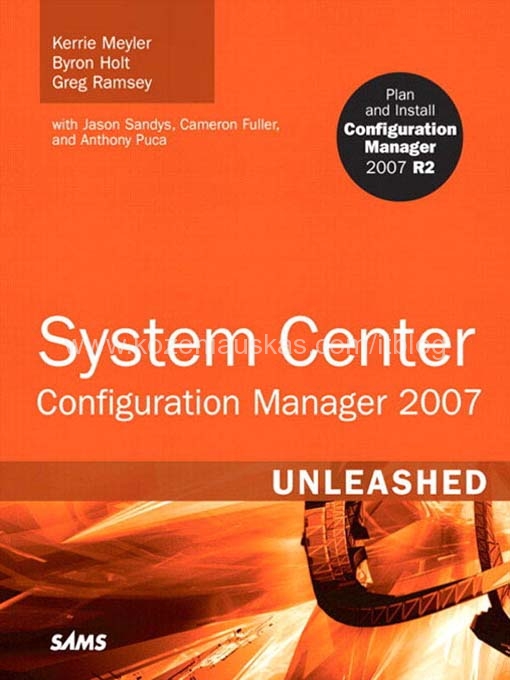
I’ve found out that my blog was referenced in the System Center Configuration Manager (SCCM) 2007 Unleashed book that was published in 2009 by SAMS. In page 1108 you can find my name and URL to the blog, although last year I’ve changed the naming in my domain but I’m going to make the link in the book work.
Here are book details:
Paperback: 1224 pages
Publisher: Sams; 1 edition (August 2, 2009)
Language: English
ISBN-10: 0672330237
ISBN-13: 978-0672330230
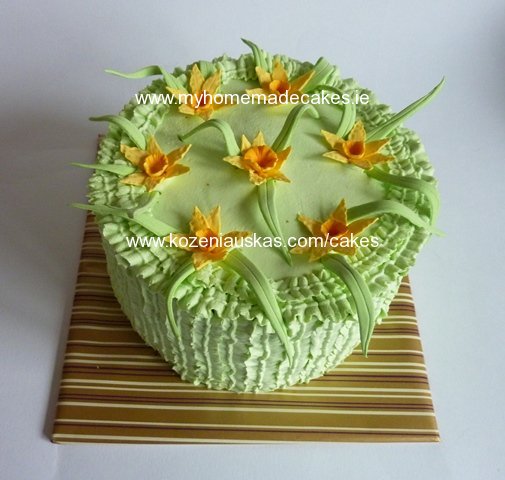
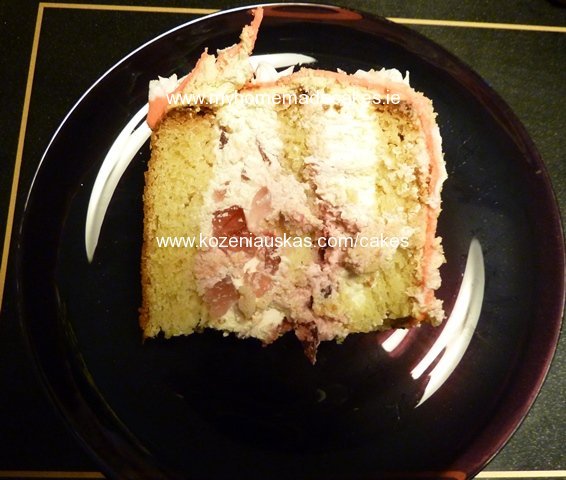
White and chocolate sponge with fresh whipped cream+soft cheese+mandarines+poppy seeds. Decorated with chocolate fingers and fresh whipped cream and fondant flowers.
Here is a handy document from HP regarding iLO configurations. Planning and configuration recommendations for Integrated Lights-Out processors The document cover such things as what are the best practices for deploying iLO in the organization, how to configure iLO and what tools you can use(some scripting examples included), what firewall ports should be opened for iLO to work and some other useful information. http://h20000.www2.hp.com/bc/docs/support/SupportManual/c00257375/c00257375.pdf